


Webflow vs AI in 2026 what should you use when building your website?
4.1.2026
4.1.2026
Caleb Raney
Over the last few months I’ve seen an increasing amount of content talking about Webflow vs AI development, from clickbait-ey videos talking about ditching webflow for AI coded websites to people arguing in comments about whether it’s worth learning Webflow anymore.
So as a developer that has been building websites for almost 8 years and has primarily used Webflow I thought I’d pitch in with some honest thoughts on the matter. First off let’s take a candid look at the state of the web design industry.
Web design and development today
Currently it feels like the whole web design industry (as well as that of white collar work in general) is in a growing frenzy about AI and what that means for how we do work.
Personally I have a lot of moral qualms about AI (which I won’t get into in this post), but it is definitely something that’s going to play a huge role in shaping the modern workforce and it’s not something we can ignore or wait for it to just go away. For a while I was pretty frustrated with all the hype around it — having experimented with some of the earlier models I found that they were interesting but significantly lacking when it came to helping with deep work and complex problems. I also felt like a lot of the early adoption of AI features into other tools weren’t actually useful and were just ways to try and impress stakeholders or potential investors without actually speeding up work for people using the tools on a daily basis. But over the last few months I’ve realized just how fast AI models have improved, and the potential they have to significantly speed up or completely take over certain kinds of work.
AI Development tools
When it comes to development there have been a growing amount of AI development tools (like Lovable and Base 44) over the past couple years. Along with that there’s also been a growing trend of using Claude, Codex or other agents to just completely build websites in React or other frameworks, with the ability to include complex tech stacks, connect to CMS platforms and skip over the design process entirely.
What to ask when thinking through how to build a website in 2026
With all these new tools and potential options (along with hundreds of people aggressively sharing their opinions on social media) it can definitely be overwhelming to decide on an approach. The good news is, there isn’t really a “right” answer. Having a ton of options for how to build a website isn’t a new thing, and in a lot of ways having more options is a good thing. Tools are getting faster and more powerful and that’s only going to keep progressing in the coming years. So rather than getting worried that you might get left behind, take a deep breathe, keep an open mind, and start by asking some simple questions.
Who is going to be updating and working on this website?
When it comes to managing your companies website the most important part of keeping your site up to date on your services, and provide valuable content is how comfortable your team is at updating your site. In my opinion this is still one of the largest weaknesses in AI built websites today. For client’s who aren’t very technically adept (and I know there are a lot of them out there), the abstraction of having to make updates via a text prompt is far from ideal. It’s one thing if you’re just having AI create a blog post for you but if you need to edit a specific bit of copy on a page, or change a button link, those kinds of changes are much easier for most people to do in a visual editing experience where you can get direct feedback on what you are changing. That being said — if you are a small technical team that has high levels of AI adoption AI could definitely be the fastest way for you to get a website up and running and you'll still have the skills to update it as you go.
How large is our website, and what level of permission control do we need?
Don’t get my wrong, AI can write incredibly efficient and secure code, but I have found that there is still a degree to which it is only as capable as the user’s ability to clearly explain exactly what needs to be done. If you have someone trying to make edits to your AI built site that doesn’t have much technical skill, they have a large ability to make unintended changes because AI can make changes across the entire code base without them being able to fully understand what is going on. Things like permission controls are not something that AI builder’s currently have a great handle on, and for smaller companies that may not be an issue but for larger organizations it’s definitely important to think through these considerations before vibe-coding your entire site.
What is the longterm plan for your site?
If your business doesn't necesarilly have a long term plan or is deep in the AI industry which is changing really rapidly it makes more sense to prioritize speed over longterm scalability and best practices. If you need to quickly pivot your entire site AI definitely has an advantage because you can start over with relatively low cost.
Webflow is excellent for creating systems that scale with you (Webflow sites can even adapt with full rebrands if they are built using design system best practices), but if you're wanting to rewrite your entire site copy or marketing strategy it just won't be as flexible as AI.
On the flip side, I think the AI industry is bound to change a huge amount in the next few years, tools that we currently use might get deprecciated, the cost of AI usage is definitely going to increase to match the computing resources these companies are needing. So if your site is 100% reliant on AI and you wouldn't be able to update it yourself there is a bit less security than knowing how it's built and being able to edit it in a trusted tool that's been in the industry for over 10 years.
How much design control do you want?
This really comes down to personal preference. Some people are okay with a more abstract approach giving AI general guidelines and tweaking things from there, as a creative that designs most of the sites I work on I really like to be able to fine tune things myself. Whether that's the easing of a hover interaction, or deciding how a grid is going to change across breakpoints.
For me I find it much easier to have the level of control I want in Webflow where I can adjust anything myself (and for me it's honestly faster than asking an AI to do it.
Why I’m sticking with Webflow (right now).
Considering all that here is why I’m not ready to ditch building in Webflow just yet.
The client editing experience
While Webflow’s build mode can still be a learning curve for clients I’ve found it to be the most powerful tool clients have to be able to really scale their sites with branded designs in a easy to use manner. That isn’t something I can see AI replacing in the near future (except for people that have the mindset and technical know-how to thrive in a chat-first environment).
The clarity of on page editing
As a creative for me there is something much more satisfying about being able to fine-tune or adjust designs myself rather than asking AI to do it for me. I’m fully away that this may be a luxury that becomes obsolete in the next 5 years but I really do enjoy building in Webflow and that kind of creative control isn’t something I want to give up yet. This is definitely true for a lot of my client’s as well, it can be hard for them to verbalize what they want until they see it on a page.
Webflow is consistently improving (and that includes AI)
While in this post I’ve pit AI and Webflow against each other as if they are completely separate, that is far from the case. Webflow is definitely ahead of the curve when it comes to Website builder software. It has native MCP connections with Claude, Cursor and more, and I know they are actively working on improving those capabilities so that in the not-so-distant future you’ll be able to use AI to not only update CMS content, but build components and whole pages. While it may take a little longer for those connections to fully work because of the backend API’s needed I’m confident they’ll be worth the wait and that we’ll be able to benefit from all of the things we love about Webflow while also using AI to drastically speed up the process.
But what should you use?
Honestly, that’s not something I can answer for you, there are more tools than ever out there but I’d encourage you to put the hype aside, think through your skillset, your company’s needs, and your goals for how you want to use your website and take your best guess. The good news is, there are a lot of really powerful tools out there to try, and there is bound to be one that fits the way you want to work.
I'm just getting started with Web Development, what should I learn?
If you're just getting started in website design or development I really don't envy you. This is a much harder time to get going in this industry, things are changing really fast and there's much less job security. This question probably deserves whole books written on it but what I'd say is the following.
Try out a bunch of things
Because there are so many tools out there it means there's no one size fit's all solution. Try and get a sense for what you like to use and work with. Dip your toes in a bunch of ponds before committing to learn one platform.
Focus on building your fundamentals
Don't just have AI do everythign for you, try and learn the fundamentals of your craft at the same time, whether that's having it explain concepts as you go, taking time to understand the box model, or trying to polish your design skills. The better you can train your own mind, the more capacity it gives you to be adaptable and be someone that isn't reliant on a single tool or skillset.
It's not an easy job market to break into, and there's no denying that, but if you can find where you skillset and what you enjoy overlap, and don't stop learning, you'll have a better chance at making it.
So where does that leave us?
Who can really say what the future holds, maybe the internet won’t even exist in ten years. But instead of getting fatalistic (although I do that plenty), I’ve found comfort in the following things.
1. Having technical knowledge still helps.
As I’ve experimented with AI more and more to write code, create processes do research etc. I’ve consistently found that the more I am able to guide it and help shape what it does and how I want it to work, the more effective it is. While people who don’t know what they’re doing can definitely get much farther than they used to, having a better understanding of what you’re working on exponentially unlocks the ability to use these tools effectively. You can spot problems faster, waste less time by giving it more specific guidance, and really create consistent processes that are adapted to your needs.
2. Design systems aren’t going away.
I mean, at least as long as digital products and experiences are around… For real though, one of AI’s strong suites is understanding systems, so if you’re able to create clear guidelines, naming conventions, components, and variables, you can use AI tools to create things how you want them made, rather than just letting it decide by itself (or copying them from someone else). I genuinely think that component first Webflow frameworks (like Lumos) are going to become completely unrivaled once Webflow’s MCP allows agents to build with and update components. The better you can understand design systems that more you can use AI as a partner and not as a replacement.
3. There’s going to be an increasing demand for human creativity
People are already so weary of all the AI slop that is flooding our feeds, and that’s only going to get worse with time (and as AI starts to regurgitate itself). I think as white collar work gets turned upside down people are going to increasingly yearn for human creativity, and experiences. Not only is that going to be relevant from a interpersonal perspective but I’m sure we’re going to see a growing wave of companies trying to step outside of the AI bubble and create things that are truly unique and can connect with people.
So while I’m going to continue experimenting with AI and trying to figure out how to use it to make my work more efficient, I’d encourage you not to give away to much of your creative freedom or critical thinking to these machines. Being a whole person means taking pride in your work and ideas, not outsourcing every possible thing to become as efficient as humanly possible, and I truly believe we’re going to start to see why that matters in the coming years.
Anyway, that was a bit of a rant, hopefully if you stuck around this long you found some of this useful or encouraging, and all the best as you continue to navigate the wide world of the web.
Heading 1 will be longer with text
Heading 2 will be longer with text
Heading 3 will be longer with text
Heading 4 will be longer with text
Heading 5
Heading 6
Lorem ipsum dolor sit amet, consectetur adipiscing elit, sed do eiusmod tempor incididunt ut labore et dolore magna aliqua. Ut enim ad minim veniam, quis nostrud exercitation ullamco laboris nisi ut aliquip ex ea commodo consequat. Duis aute irure dolor in reprehenderit in voluptate velit esse cillum dolore eu fugiat nulla pariatur.
Block quote
Ordered list
- Item 1
- Item 2
- Item 3
Unordered list
- Item A
- Item B
- Item C
Bold text
Emphasis
Superscript
Subscript
Featured Resource:

Related Posts
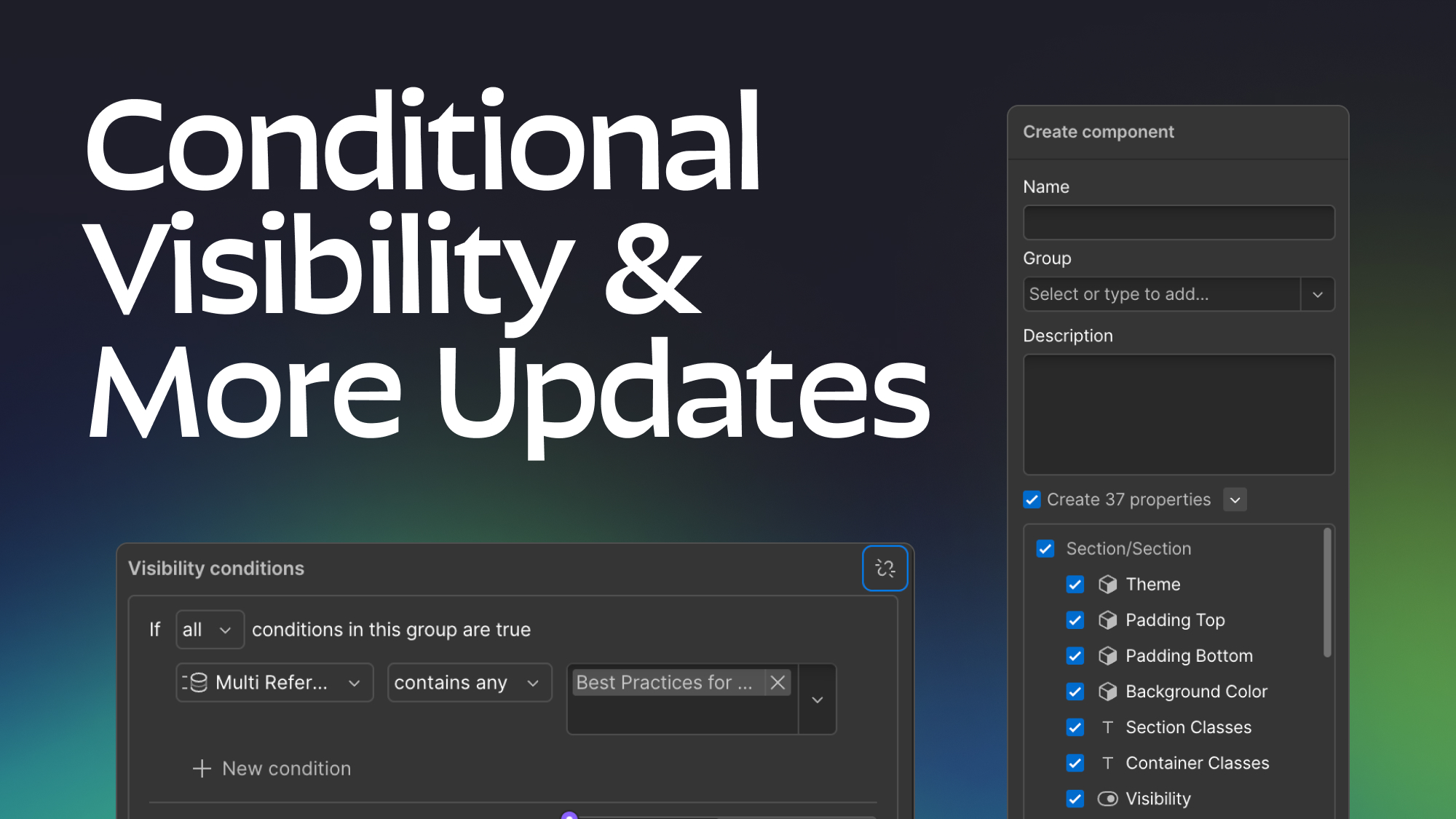
How to upgrade Webflow components with the new conditional visibility and toggle features.
Learn how to use the powerful latest component feature's and unlock the flexibility of conditional visibility in your Webflow projects.
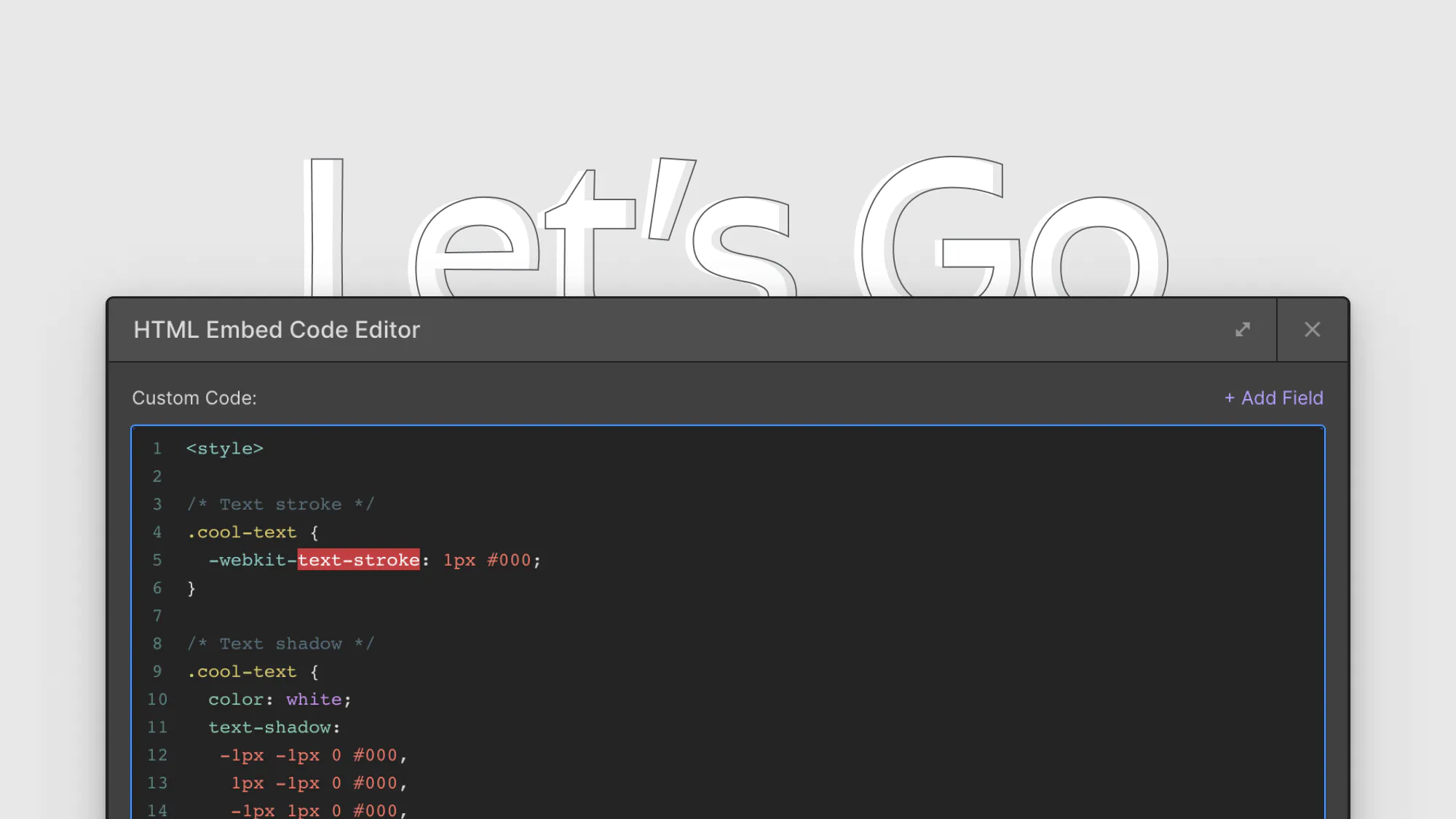
8 CSS snippets that expand functionality in Webflow
A few custom CSS code snippets that let you do things that aren't natively available in the Webflow designer. These are really easy to copy and paste into your project
Which webflow framework should I use for my project?
Now more than ever there are a lot of amazing Webflow frameworks to choose from but it can be hard to decide which one to use. In this post I explain the approach, pros, and cons of my three favorites (Client-First, MAST, and Lumos) to help you better understand how to decide on which framework to use.
Related Posts
10 Questions to ask an agency or freelancer before hiring them to make your webflow site
This post will help you ask the right questions of your future Webflow developer so you can make sure the site you get is high quality and wont' cause you issues down the road.
The rise of component first development in Webflow
As Webflow components have gotten more powerful best practices for building webflow sites are evolving. Learn more about how to build sites with a component-first mindset.
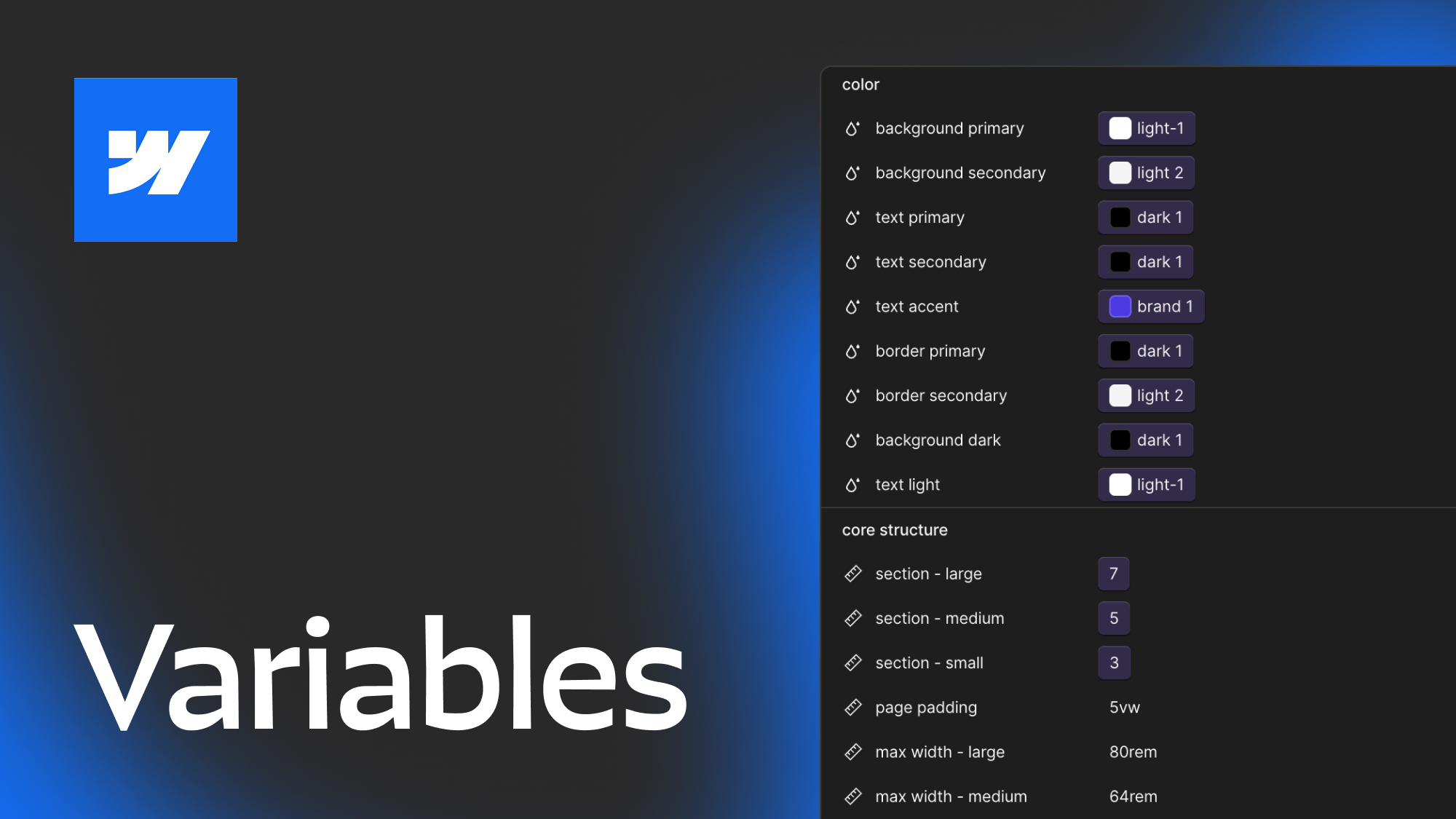
How to best utilize Webflow Variables, an in depth guide
This post explores 2 main approaches to using Webflow variables and covers how you can use different layers of variables, strategies for naming, how to approach color systems and more.
let's create something


